
The Session Workspace
The Session Workspace
The workspace is organized into three areas: left panel, center panel, and right panel.
Left Panel — Sessions and Organization
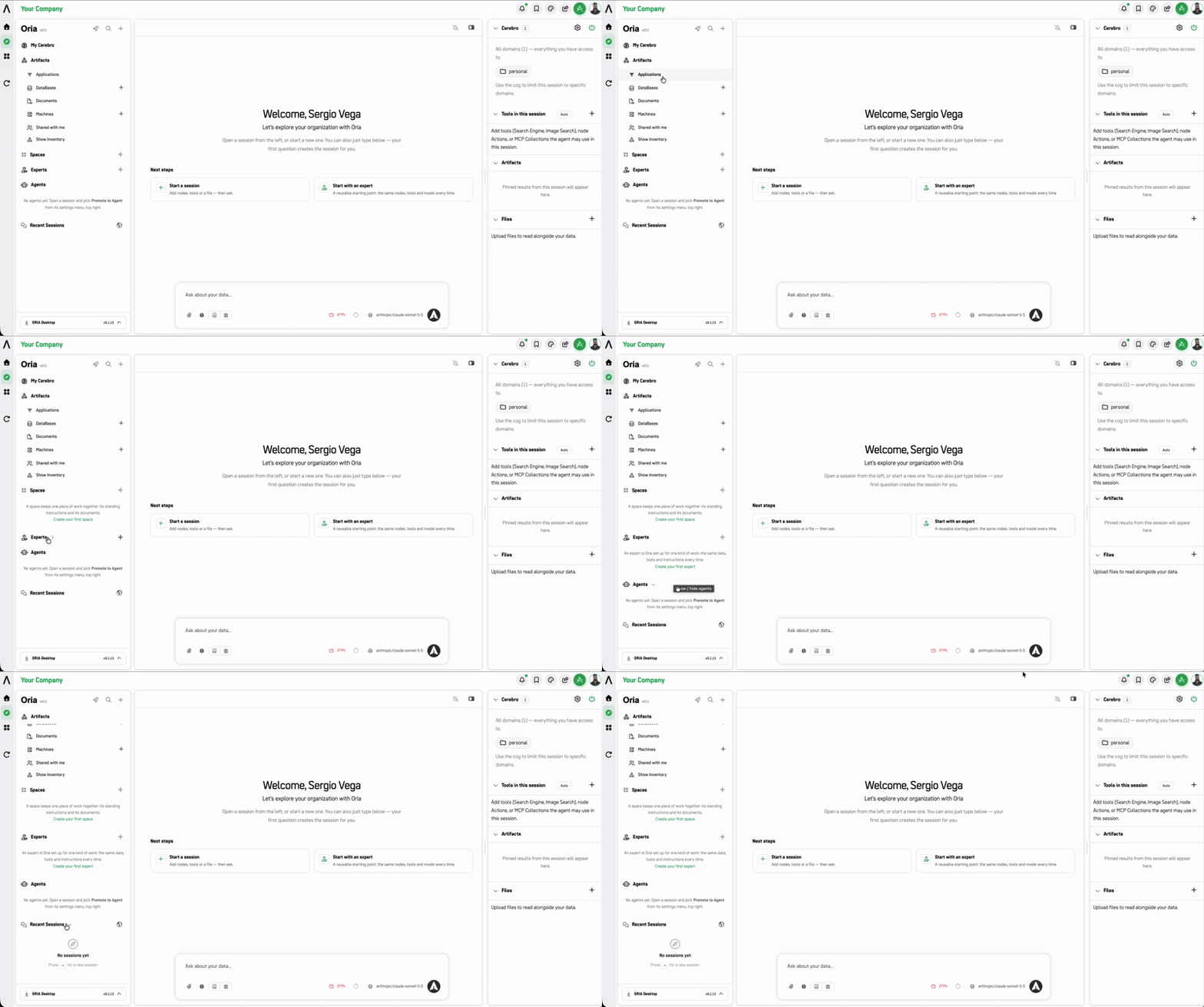
- 🚀 Start in Oria toggle (top of the panel, beside +) — switches whether signing in takes you to the Oria workspace or the standard ARPIA home page.
- Search sessions to find previous work.
The panel is organized into five collapsible groups:
| Group | What it holds |
|---|---|
| My Cerebro | Access to domain and memory management. |
| Spaces | Group workspaces organized by topic. |
| Experts | Pre-configured reusable projects and templates. |
| Scheduled Tasks | Saved scheduled query definitions. |
| Recent Sessions | Your sessions, with a relative timestamp and an open link on each card. |
Center Panel — Oria Chat Interface
The center panel is your main conversational interface with Oria.
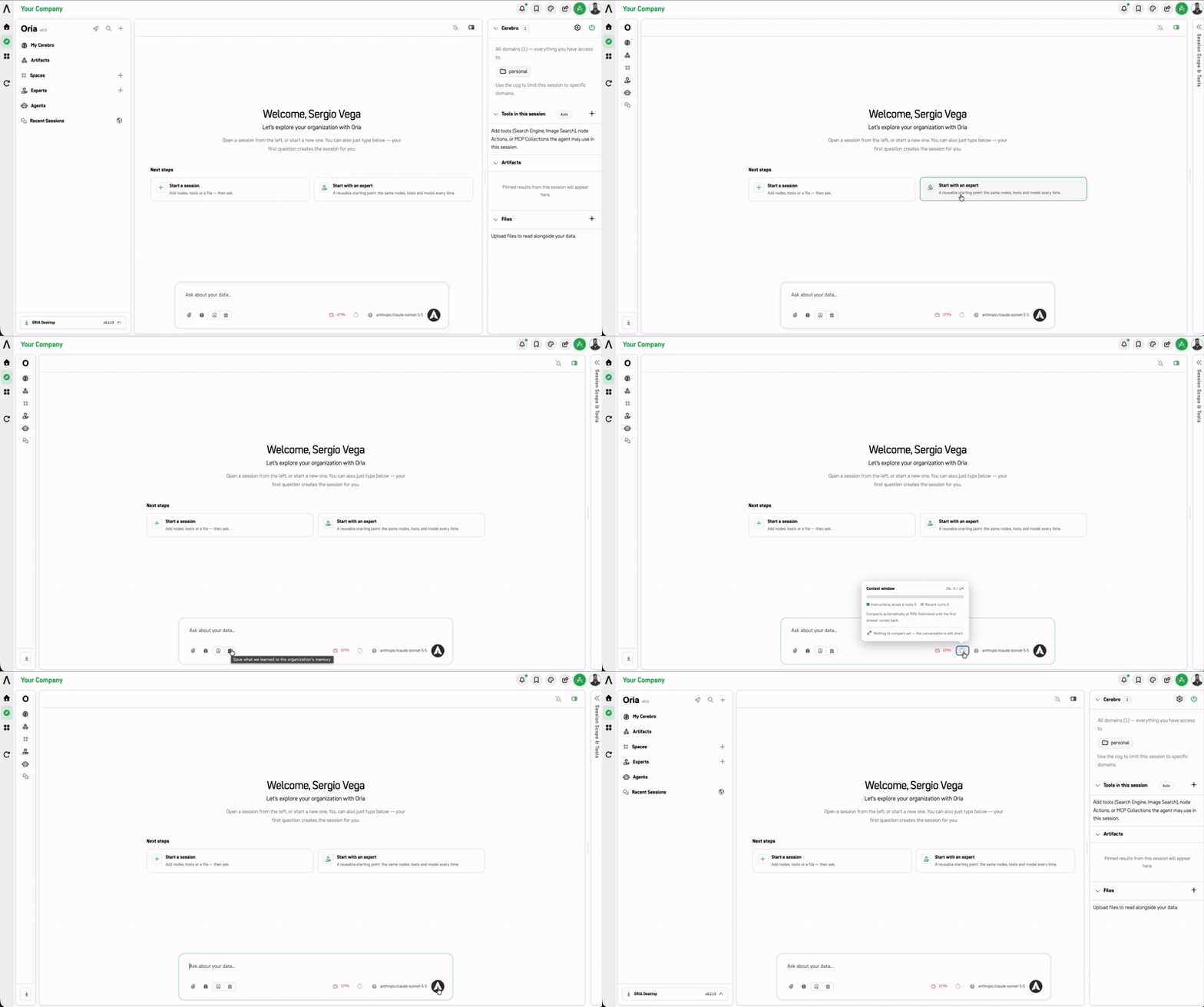
- Type your question in the "Ask about your data…" box.
- You can attach files or switch the underlying Model used for the session from the controls at the bottom of the chat box.
- Answers are shown with their supporting evidence. When Oria draws on Institutional Memory, the response includes a Memories Used block listing each memory ID, its title, its Relevance (primary or supporting), why it was used, and any external references it cites.
Right Panel — Session Configuration
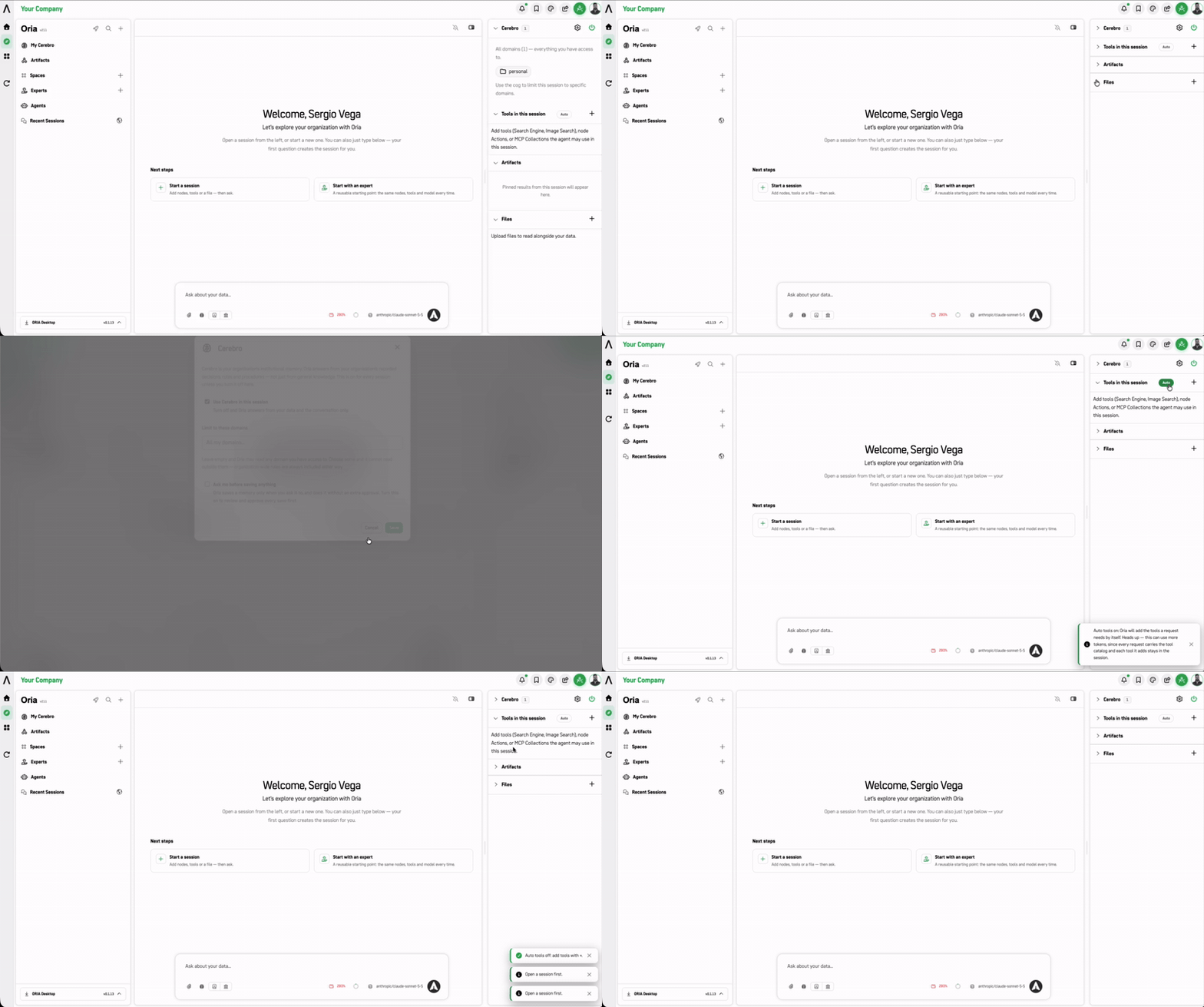
The right panel controls the data sources, tools, and outputs tied to your active session.
| Section | Purpose | Empty state |
|---|---|---|
| Institutional Memory | Selects which memory domains Oria may draw on (enabled across accessible domains by default).. | Lists all accessible domains as chips |
| Ontology Nodes | Lists the active data nodes included in the session's scope.. | "No nodes yet. Click + above to add nodes to explore." |
| Tools in this session | Configures active tools, node actions, and MCP collections available for Oria to run.. | Prompt to add tools |
| Artifacts | Pinned results from this session. Shows only after you create something (dashboard, analysis, etc.) to pin. | "Pinned results from this session will appear here." |
| Files | Lists uploaded documents and spreadsheets available for context.. | "Upload files to read alongside your data." |
Institutional Memory has its own guide. See Institutional Memory (Cerebro) for scoping, saving, and verification practice.
Next Steps
- Starting Workflow — Step-by-step guide to running your first analysis
Updated 8 days ago
Did this page help you?