
Transform & Prepare
Transform & Prepare Overview
The Reasoning Flows layer dedicated to data refinement, enrichment, and transformation.
Purpose
The Transform & Prepare objects in Reasoning Flows enable comprehensive data processing within your workflows. These tools allow teams to clean, structure, and transform data, preparing it for advanced analysis, AI modeling, and operational integration.
Common transformation tasks include:
- Filtering out irrelevant information
- Standardizing formats and data types
- Handling missing or inconsistent values
- Converting text to numeric or binary representations
- Executing custom SQL logic
- Segmenting text for AI applications
- Extracting text from images (OCR)
By refining data at this stage, teams ensure it is accurate, consistent, and analysis-ready — forming the foundation for reliable insights, ML performance, and AI reasoning.
Where It Fits in Reasoning Flows
In the Reasoning Flows architecture:
- Extract & Load brings raw or external data into the repository.
- Repository Tables register structured datasets for reuse across workflows.
- Transform & Prepare refines and cleans this data for analysis or model training.
- AI & Machine Learning objects consume prepared data for predictions and insights.
- Reasoning Atlas connects refined data to the Generative AI and Semantic reasoning layers.
Goal: Transform & Prepare bridges the transition from data ingestion to data intelligence — it's where raw data becomes business-ready information.
Connection to Data Layers
Transform & Prepare objects are the primary tools for moving data through ARPIA's data layer architecture:
| Transition | Typical Objects Used |
|---|---|
| RAW → CLEAN | AP Prepared Table, AP Transform objects, AP SQL Code Execution |
| CLEAN → GOLD | AP SQL Code Execution, AP Prepared Table |
| GOLD → OPTIMIZED | AP SQL Code Execution, custom aggregations |
For complete data layer definitions and governance rules, see the ARPIA Data Layer Framework.
Available Tools
AP Prepared Table
GUI-based tool that converts an existing table into a modifiable dataset. Supports field-by-field data cleaning, retyping, and transformation.
Use cases:
- Renaming columns for clarity
- Changing data types (string to integer, etc.)
- Adding calculated fields
- Filtering rows based on conditions
- Creating CLEAN layer tables from RAW sources
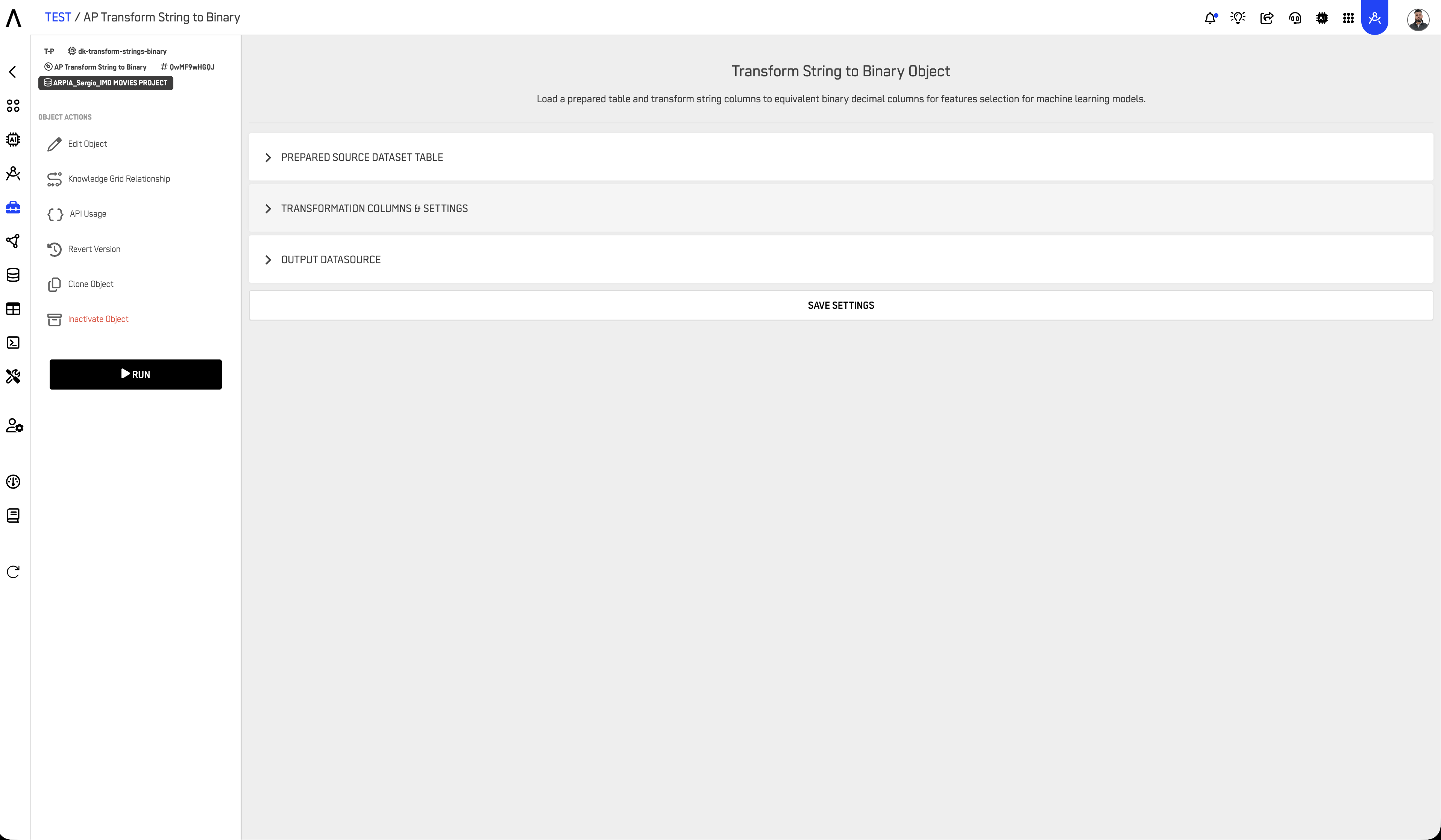
AP Transform String to Binary
Converts text fields into binary encodings (0 or 1).
Use cases:
- Creating classification flags (e.g., "Yes"/"No" → 1/0)
- Encoding boolean-like text values
- Preparing categorical data for ML models
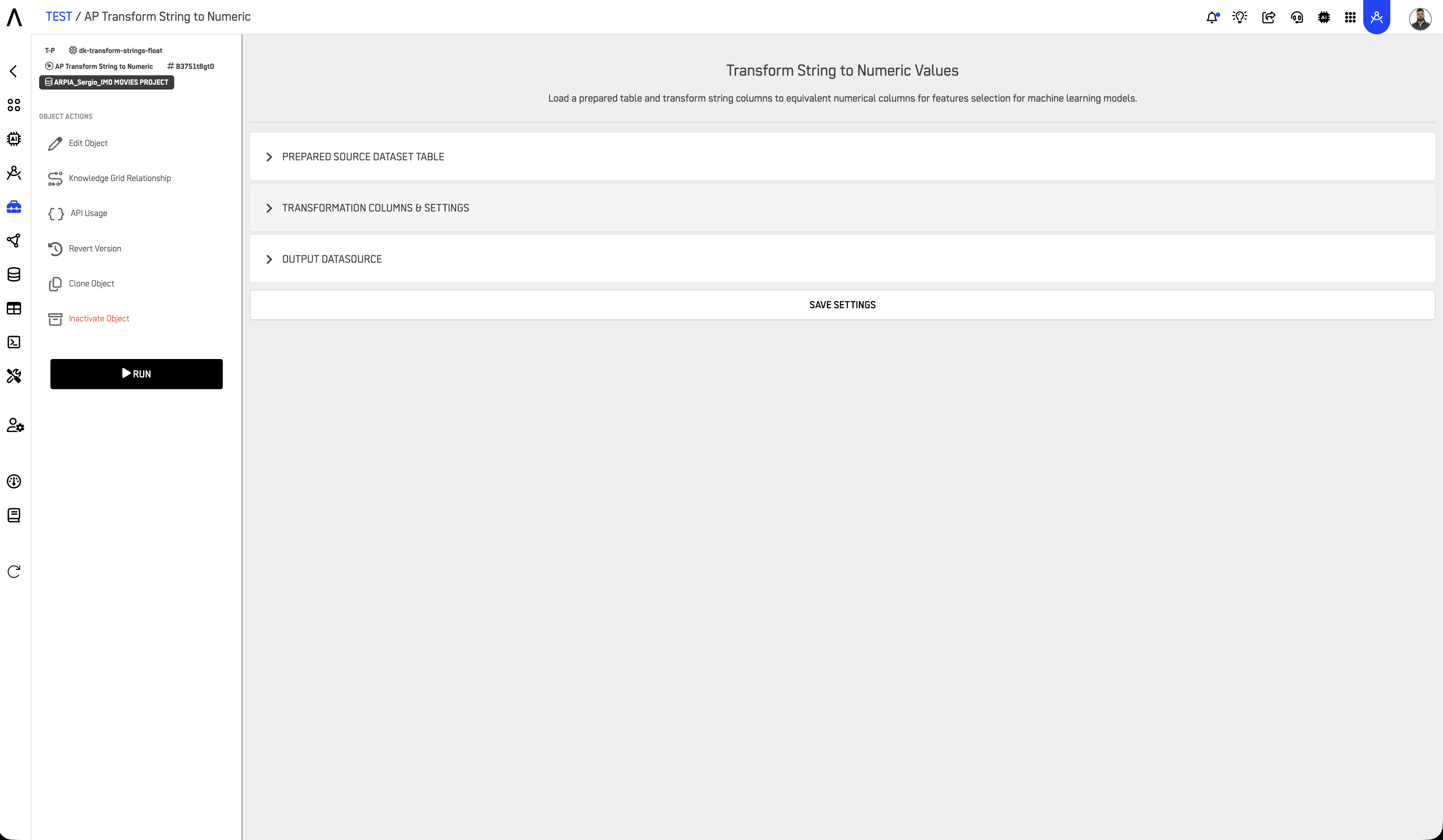
AP Transform String to Numeric
Converts categorical or string-based values into numeric form.
Use cases:
- Converting category names to numeric codes
- Preparing text-based data for aggregation
- Encoding ordinal values (e.g., "Low"/"Medium"/"High" → 1/2/3)
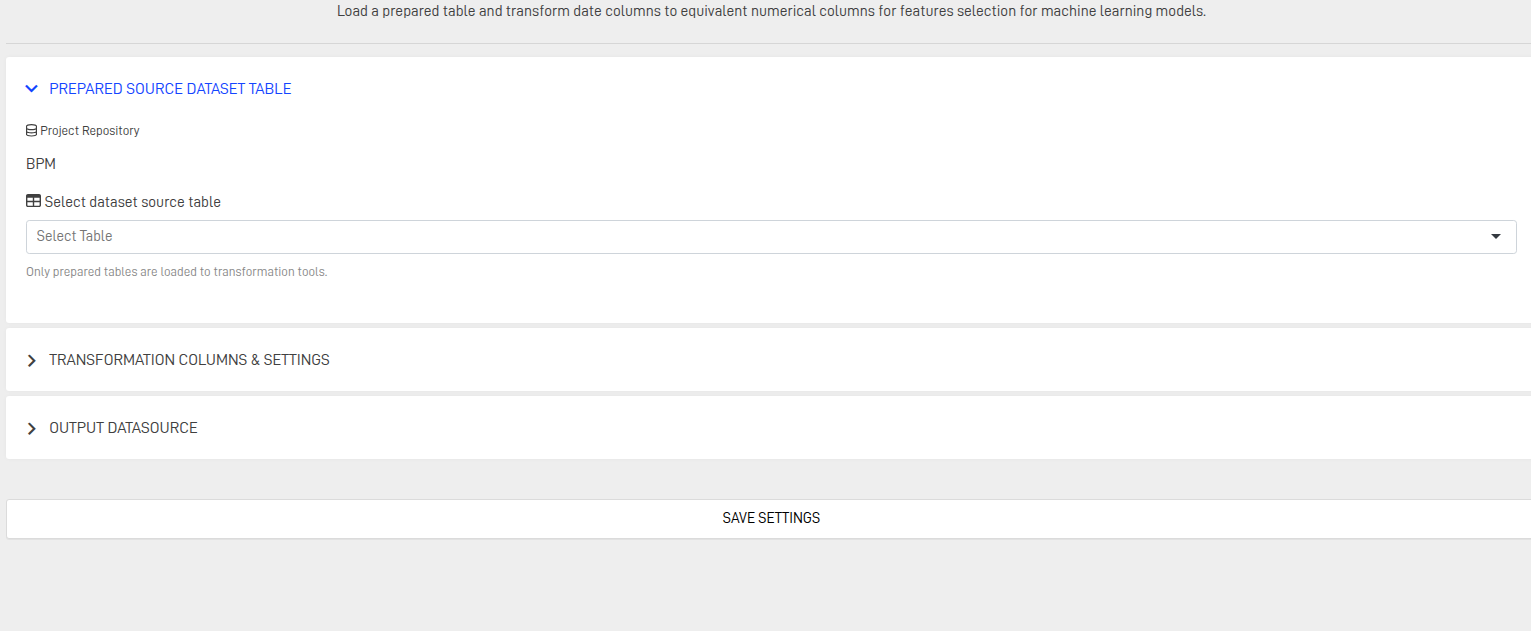
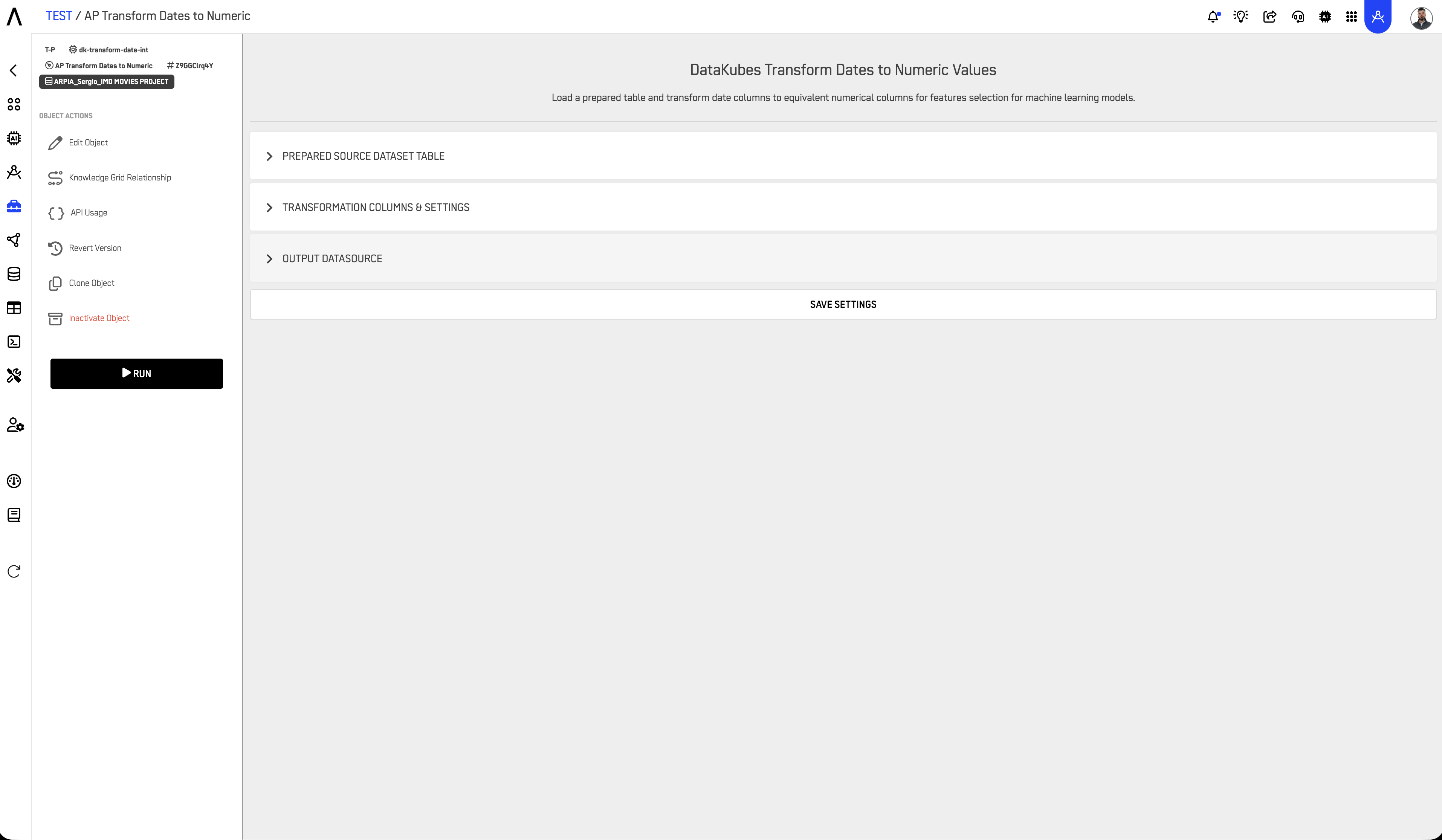
AP Transform Dates to Numeric
Converts date fields into numeric representations.
Use cases:
- Converting dates to Unix timestamps
- Extracting numeric components (day-of-week, month, year)
- Calculating date differences for time-series analysis
- Preparing date features for ML models
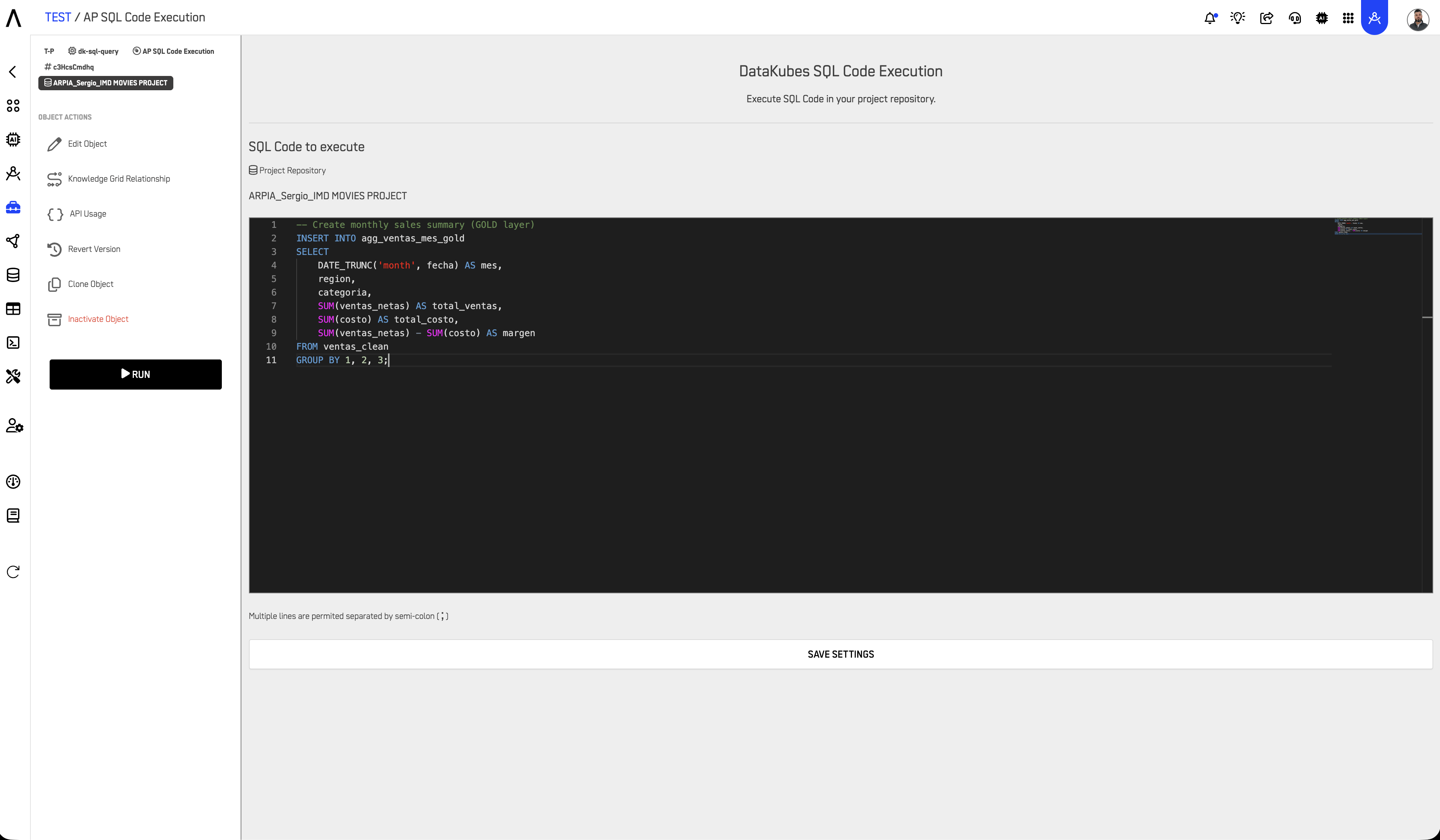
AP SQL Code Execution
Code block object for executing custom SQL logic. Provides full flexibility for complex transformations that GUI tools cannot handle.
Use cases:
- Complex joins across multiple tables
- Multi-step transformations with CTEs
- Conditional logic and CASE statements
- Creating aggregated GOLD layer tables
- Custom business rule implementation
Example:
-- Create monthly sales summary (GOLD layer)
INSERT INTO agg_ventas_mes_gold
SELECT
    DATE_TRUNC('month', fecha) AS mes,
    region,
    categoria,
    SUM(ventas_netas) AS total_ventas,
    SUM(costo) AS total_costo,
    SUM(ventas_netas) - SUM(costo) AS margen
FROM ventas_clean
GROUP BY 1, 2, 3;
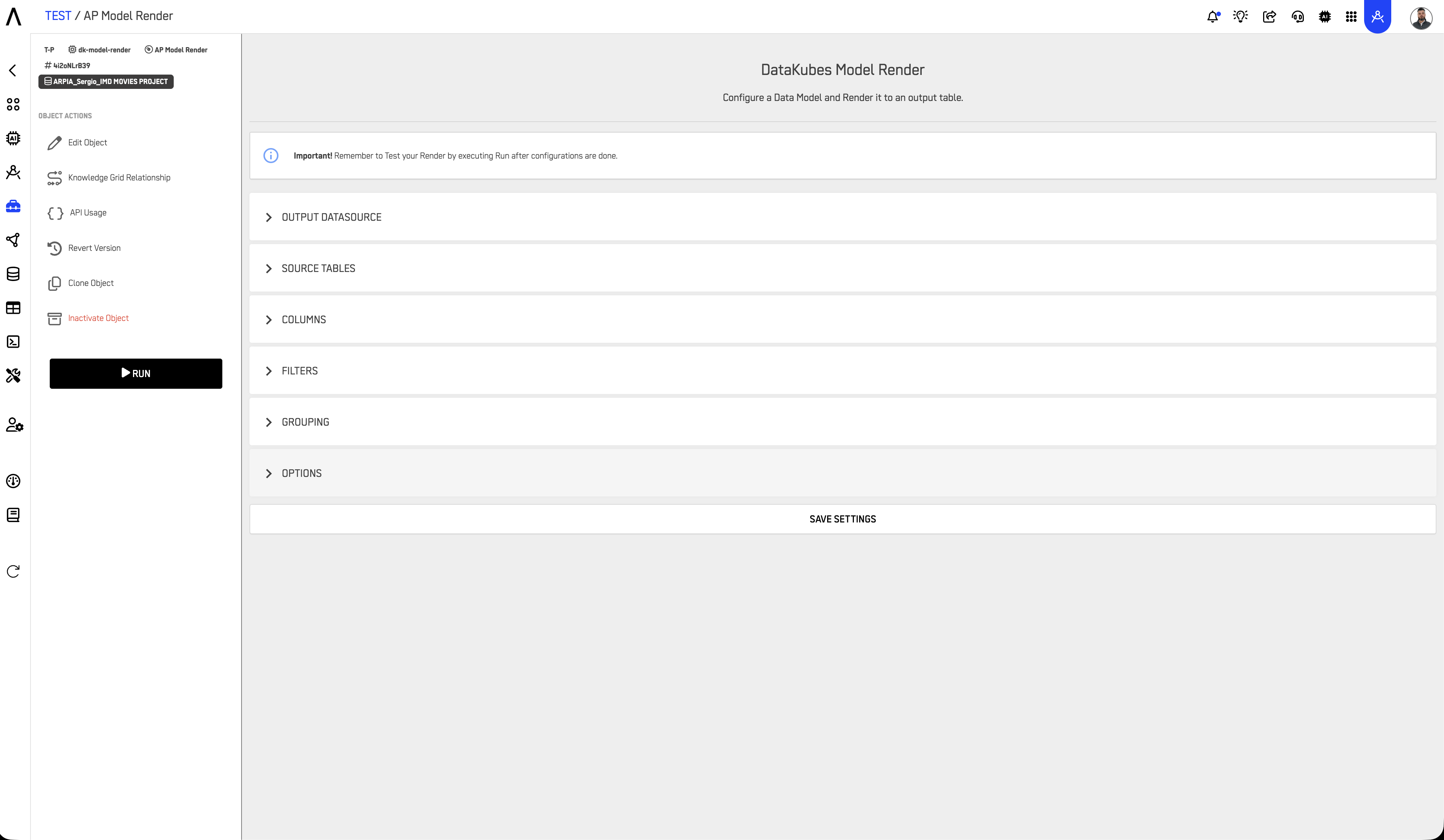
AP Model Render
Generates formatted outputs from model results. Used to transform ML model predictions into structured, consumable formats.
Use cases:
- Formatting prediction outputs for dashboards
- Creating human-readable summaries from model scores
- Preparing model results for downstream applications
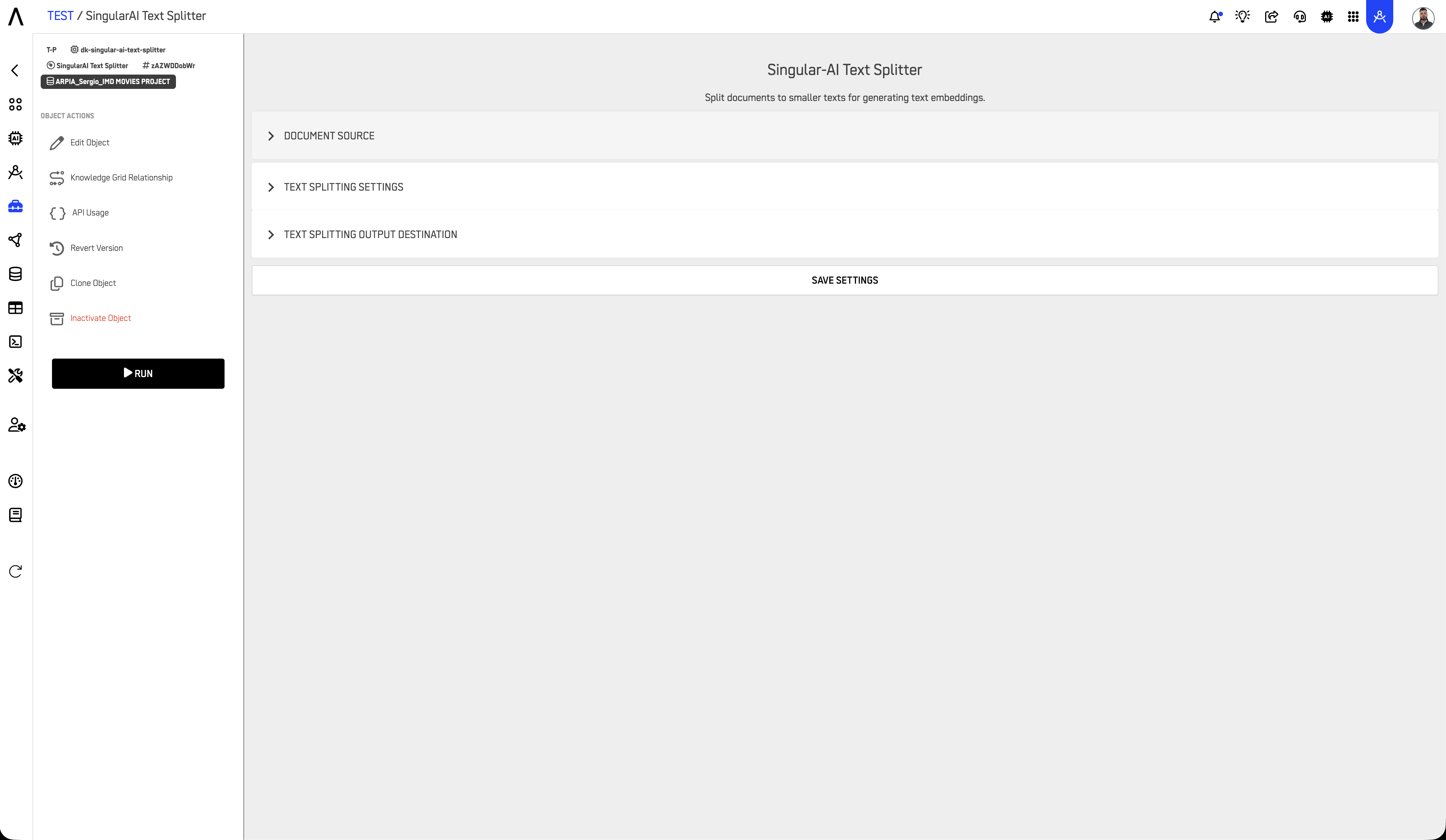
SingularAI Text Splitter
Splits long text entries into smaller segments. Essential for preparing text data for AI processing.
Use cases:
- Tokenization for NLP models
- Chunking documents for RAG (Retrieval-Augmented Generation) workflows
- Preparing text for summarization
- Breaking large text fields into processable segments
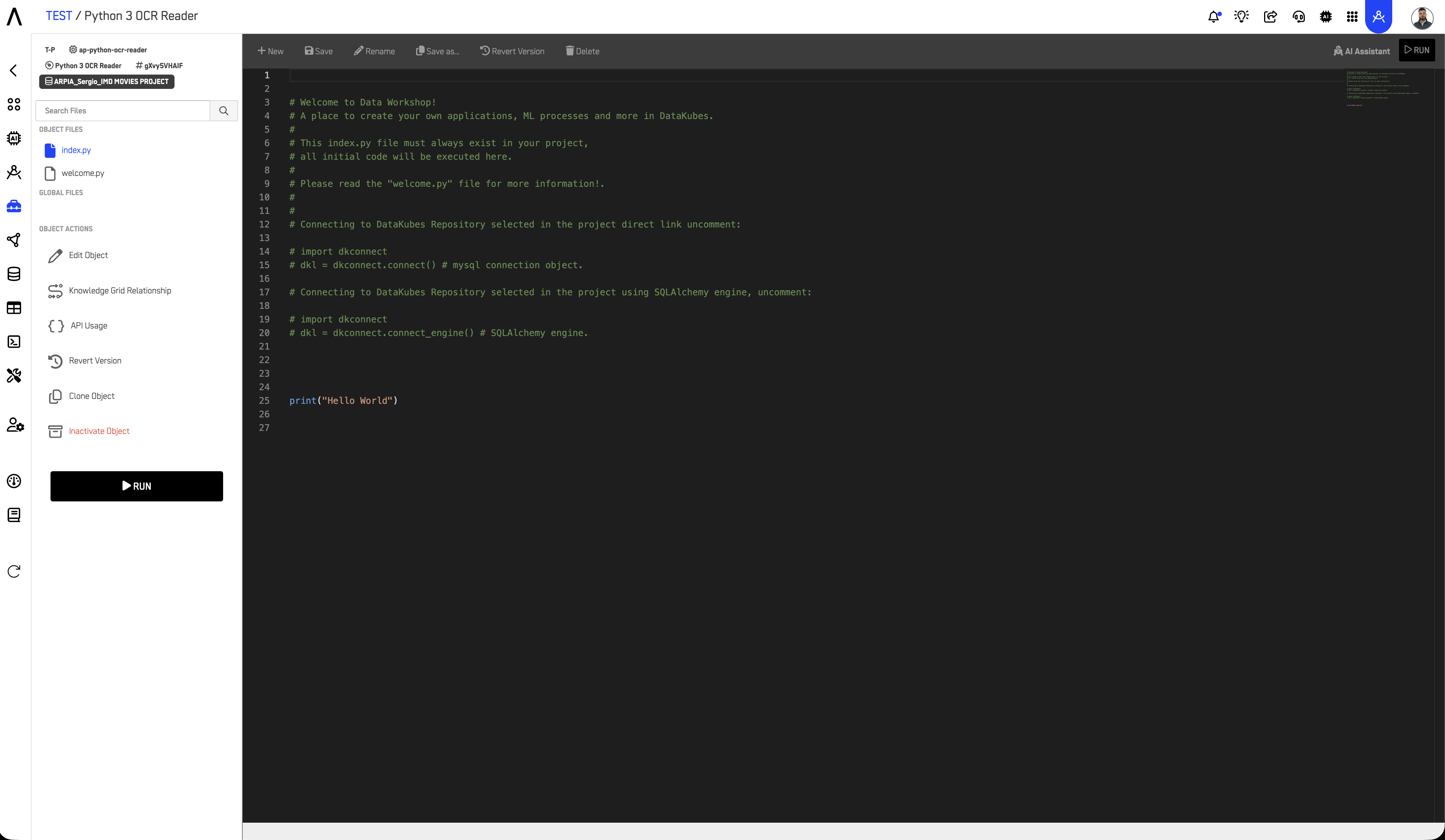
Python 3 OCR Reader
Extracts text content from images using Optical Character Recognition (OCR).
Use cases:
- Digitizing scanned documents
- Extracting text from invoice images
- Processing screenshots or photos containing text
- Converting image-based PDFs to searchable text
Choosing the Right Tool
| If you need to... | Use this tool |
|---|---|
| Clean and retype columns with a GUI | AP Prepared Table |
| Convert Yes/No or True/False to 1/0 | AP Transform String to Binary |
| Convert categories to numbers | AP Transform String to Numeric |
| Convert dates to timestamps or components | AP Transform Dates to Numeric |
| Write custom SQL transformations | AP SQL Code Execution |
| Format ML model outputs | AP Model Render |
| Split long text for AI processing | SingularAI Text Splitter |
| Extract text from images | Python 3 OCR Reader |
Typical Workflow Examples
Example 1: RAW to CLEAN Transformation
ventas_raw (RAW)
    │
    ▼
AP Prepared Table
    • Fix date formats
    • Remove null customer IDs
    • Standardize region names
    │
    ▼
ventas_clean (CLEAN)
Example 2: Creating GOLD Aggregations
ventas_clean (CLEAN)
    │
    ▼
AP SQL Code Execution
    • Aggregate by month/region
    • Calculate KPIs
    • Join with dimension tables
    │
    ▼
agg_ventas_mes_gold (GOLD)
Example 3: Preparing Text for AI
documentos_clean (CLEAN)
    │
    ▼
SingularAI Text Splitter
    • Chunk text into 500-token segments
    │
    ▼
documentos_chunked_optimized (OPTIMIZED)
    │
    ▼
Reasoning Atlas (for RAG/LLM consumption)
Best Practices
Use Transform & Prepare as the standard layer between ingestion and modeling. Avoid transforming data directly in downstream objects.
Align transformed tables with the Data Layer Framework. Apply appropriate tags (RAW, CLEAN, GOLD, OPTIMIZED) and naming conventions to all output tables.
Use SQL Code Execution for complex logic. GUI tools are faster for simple transformations, but SQL provides full flexibility for joins, aggregations, and conditional logic.
Document transformation rules. Keep notes on business logic applied, especially for GOLD layer tables that serve as "single source of truth."
Test transformations incrementally. Validate output at each step before proceeding to the next transformation.
Related Documentation
-
Extract & Load
Learn how data is ingested into Reasoning Flows before transformation. -
Repository Tables
Understand how registered tables act as reusable data sources across workflows. -
ARPIA Data Layer Framework
Review how data classification and governance are applied across Reasoning Flows. -
AI & Machine Learning
Explore how prepared datasets feed into ML training and prediction workflows. -
Reasoning Atlas Overview
Discover how prepared datasets integrate into ARPIA's Generative AI and Semantic reasoning ecosystem.
Updated 10 months ago