
Build an application
Overview
Build an Application lets you create your own Personal Application with AI — right from your user screen, using only the data nodes and actions you already have access to. No developer profile needed. When it's ready, share it with your team.
No code required. You describe what you want in plain language, and ARPIA Codex builds the app for you.
Before You Start
Admin setup required. To use this AI feature, it must first be enabled in Global AI Configuration — only your Administrator can do this.
- Your app is scoped to your permissions — you can only build with the knowledge nodes and actions you have access to.
- When you share, people only see the data their own access allows. Sharing the app never widens anyone's data access.
Build Your App
Create your application
-
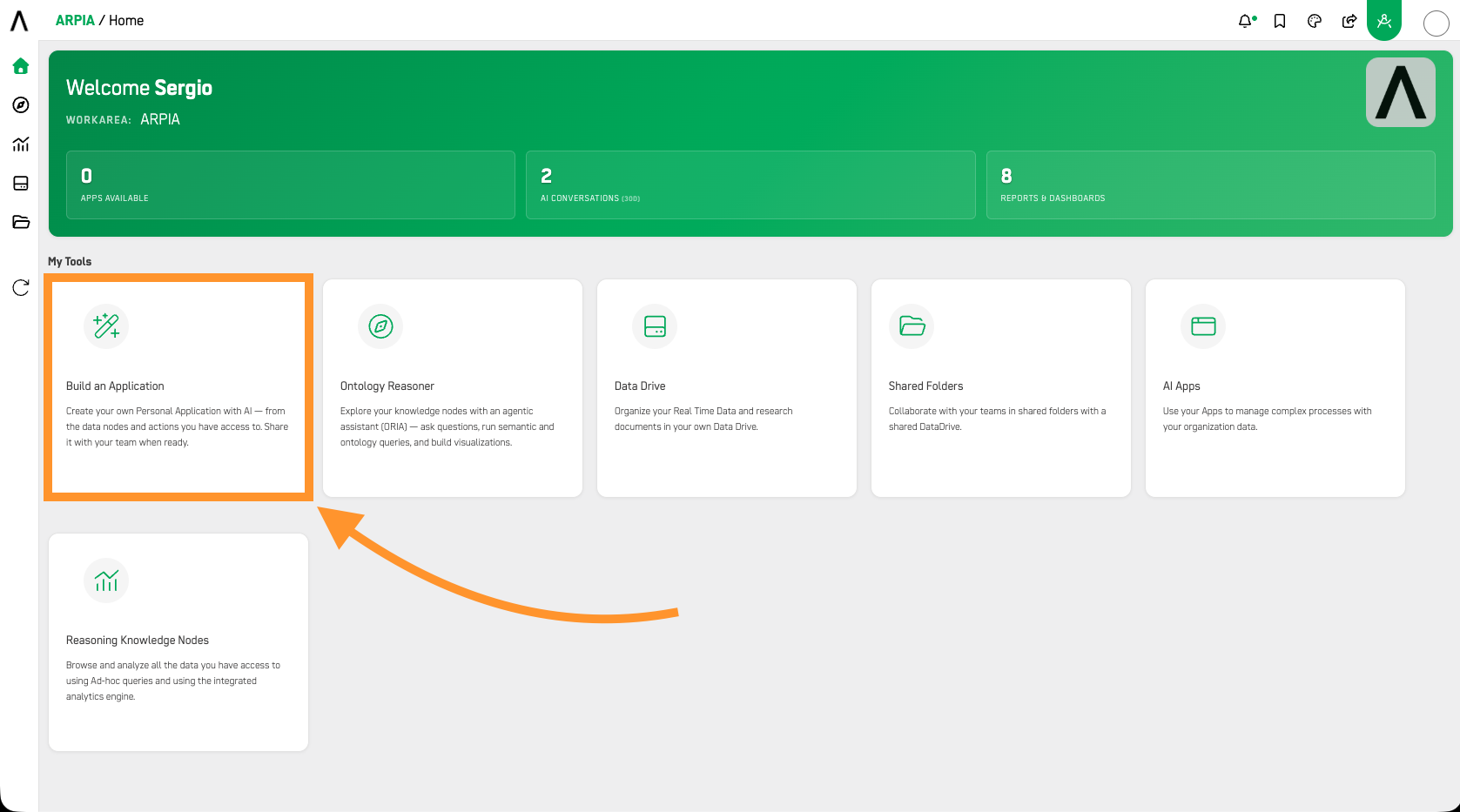
From your home screen, in My Tools, press Build an Application.
-
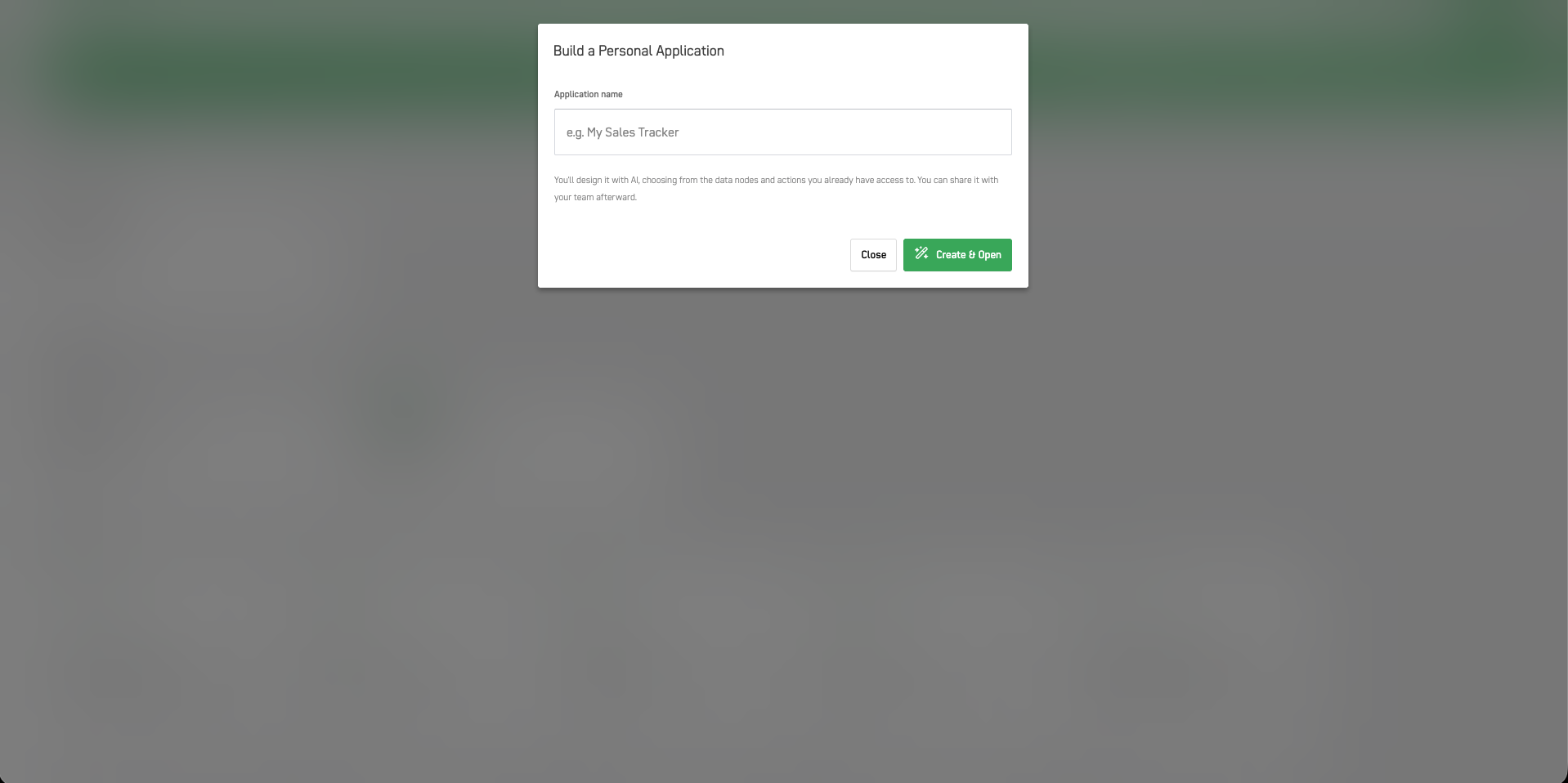
A new screen loads with a form. Enter a name in the field under Application name.
-
Press Create & Open.
Build it with Codex
Your app opens with a short welcome screen and the Arpia Codex panel on the right. Build it in 4 steps:
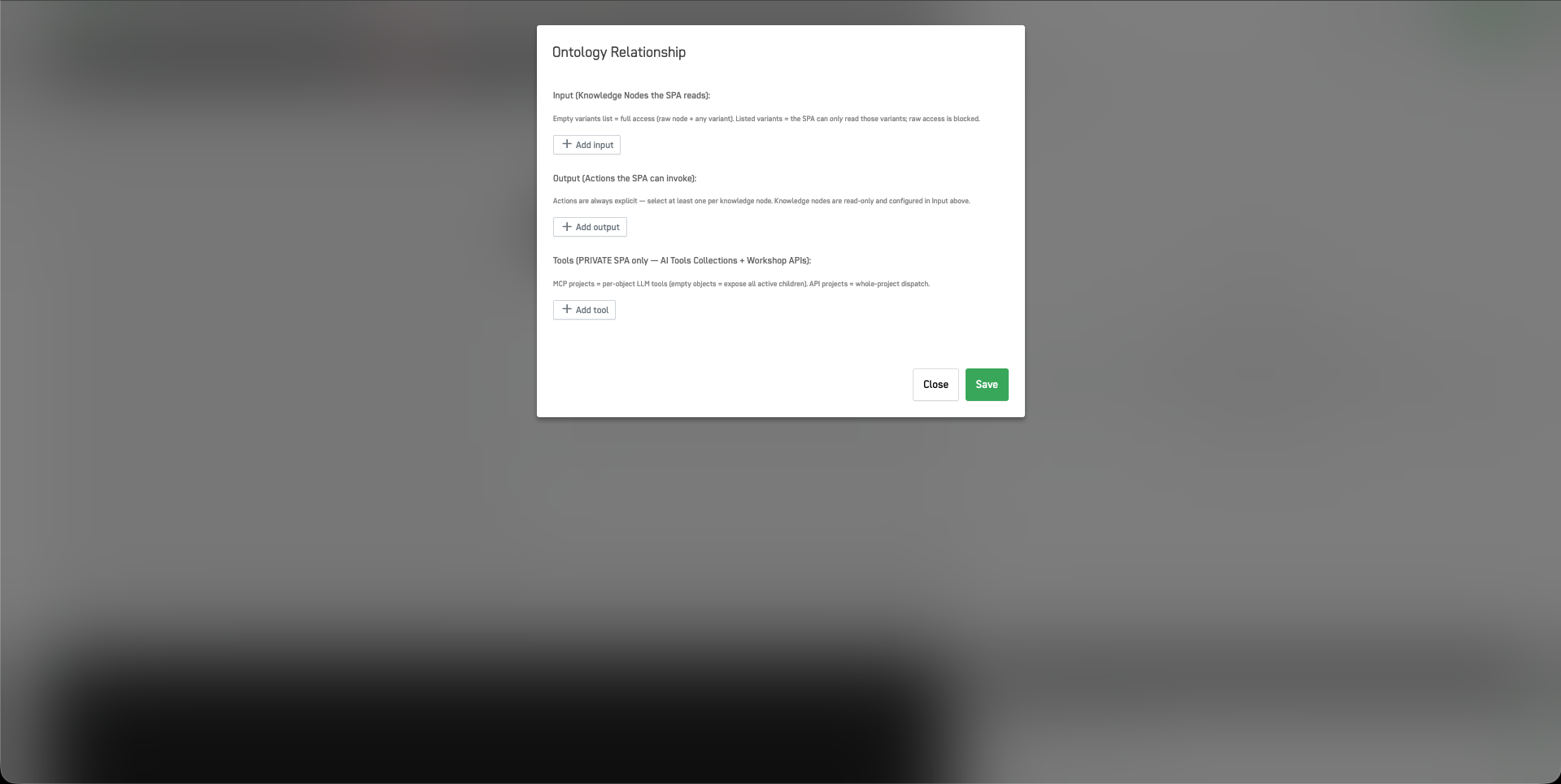
1. Pick your data. Open Ontology Nodes in the top bar to set exactly what your app can use:
- Input — the knowledge nodes your app can read. Leave the variants list empty for full access (raw node + any variant), or list specific variants to limit reading to just those.
- Output — the actions your app can run. These are always explicit: pick at least one per knowledge node.
- Tools (private apps only) — AI Tools Collections and Workshop APIs for advanced AI capabilities. See Single-Page Apps (SPA) for the full setup.
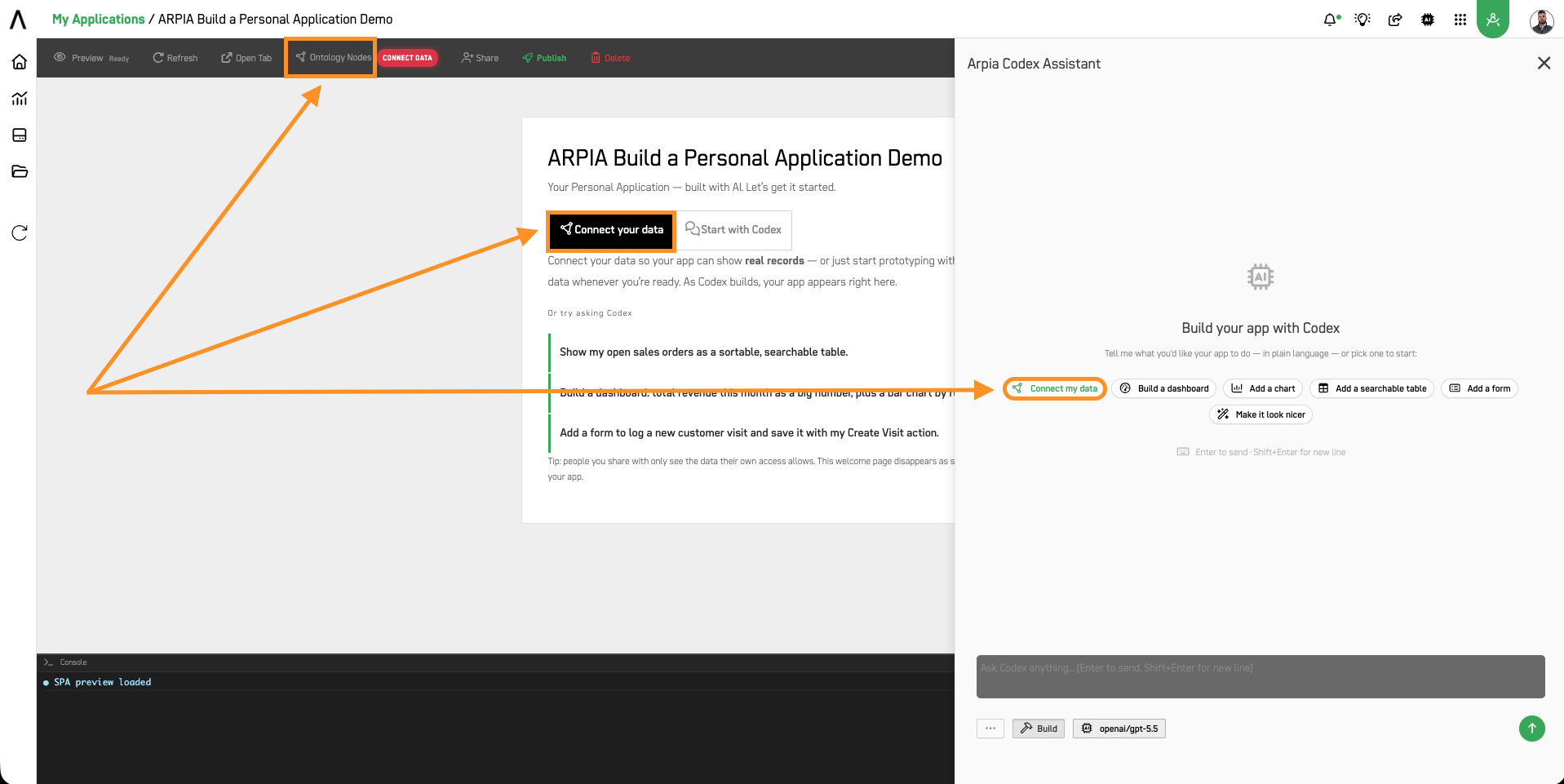
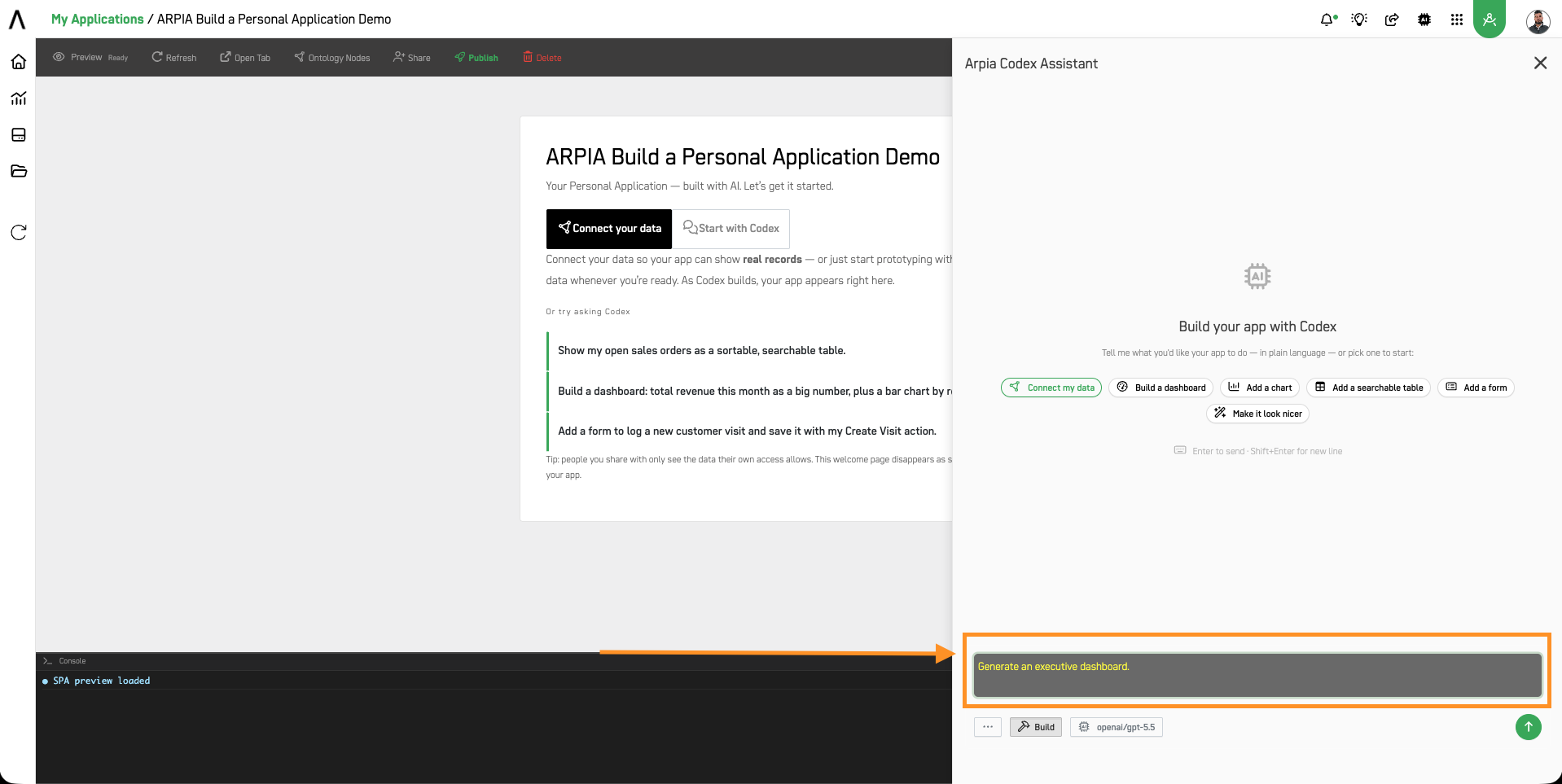
2. Describe what you want. In the Arpia Codex panel on the right, tell Codex — in plain language — what the app should do.
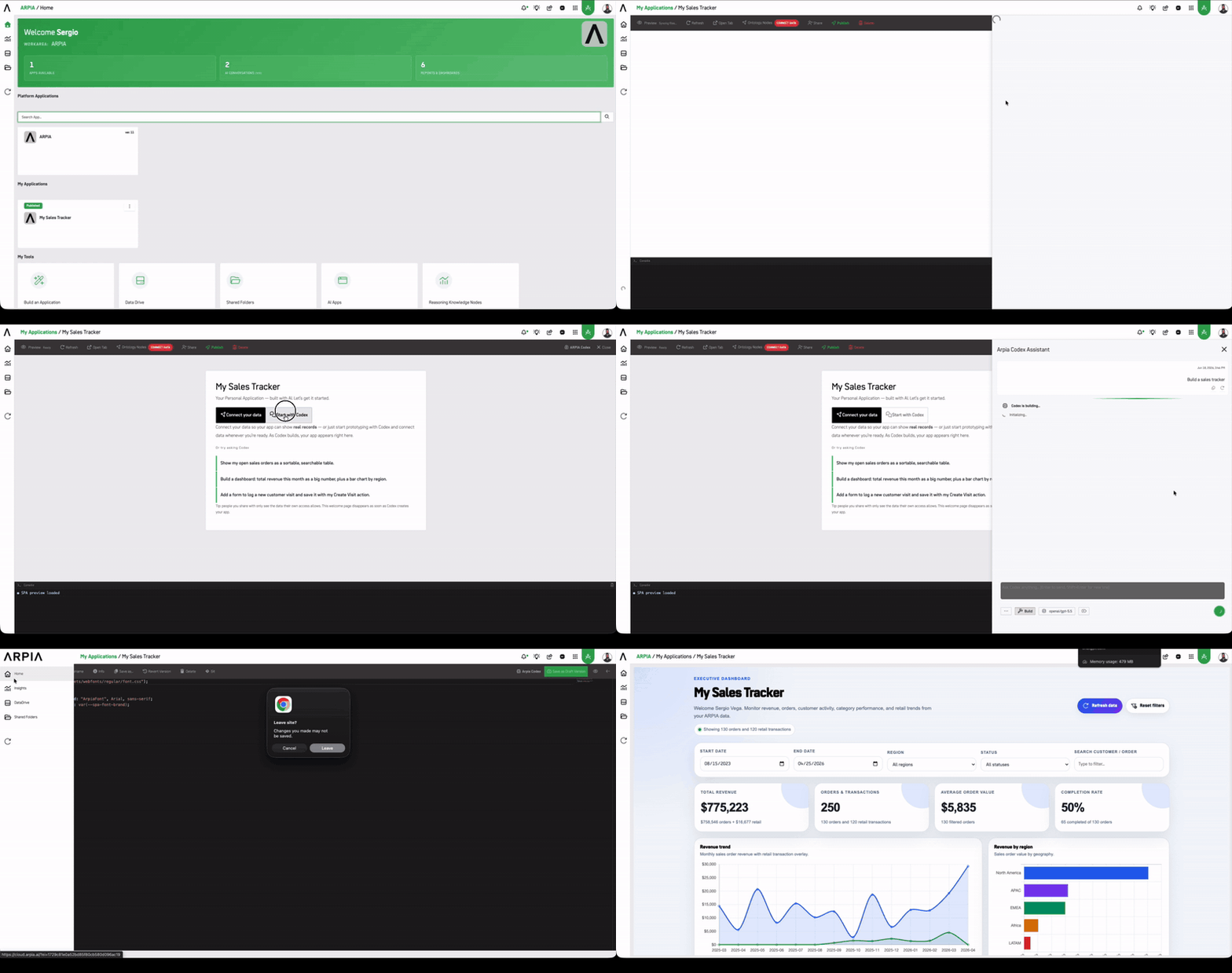
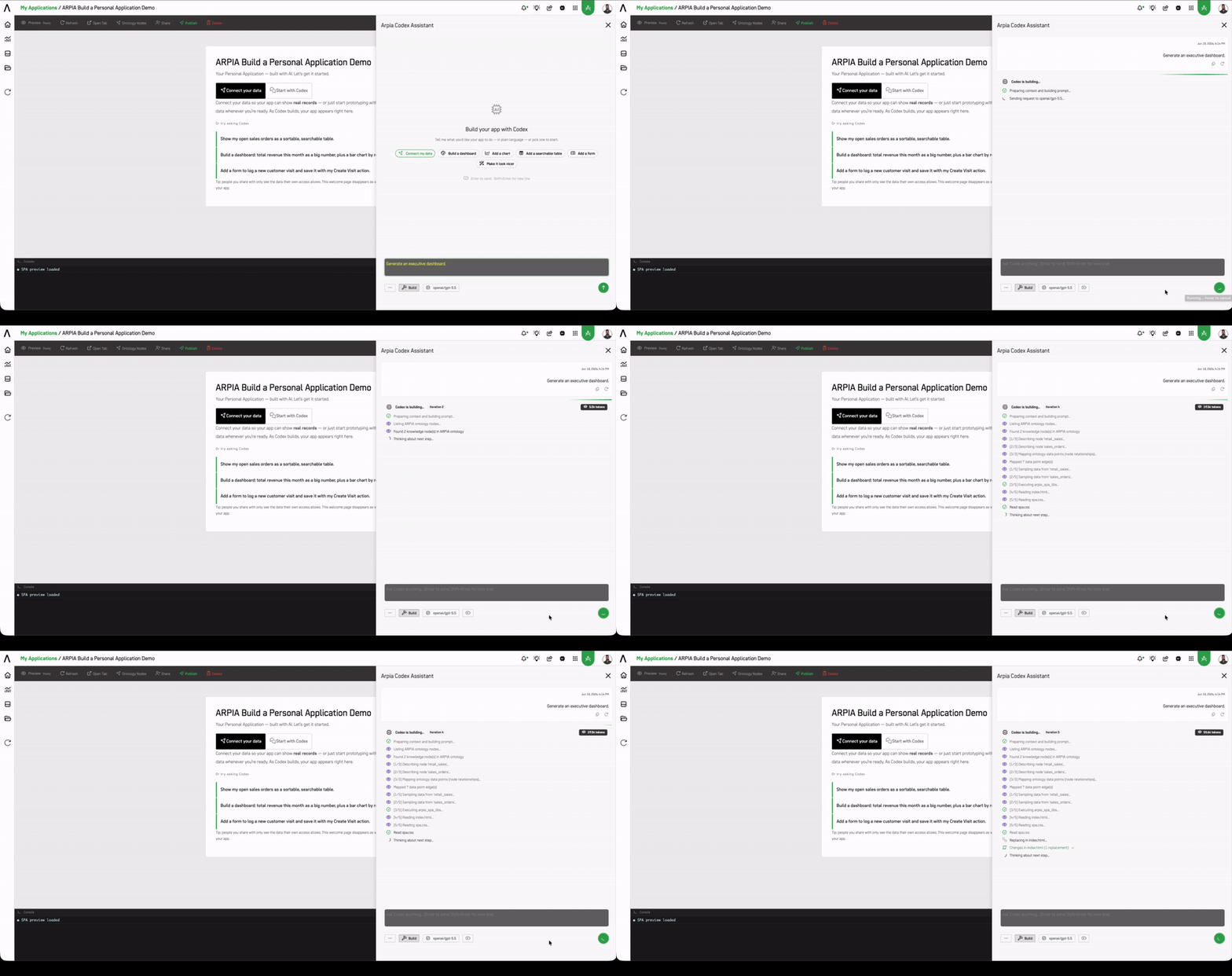
3. Watch it build. Your app renders live in the Preview as Codex works. Keep refining by chatting.
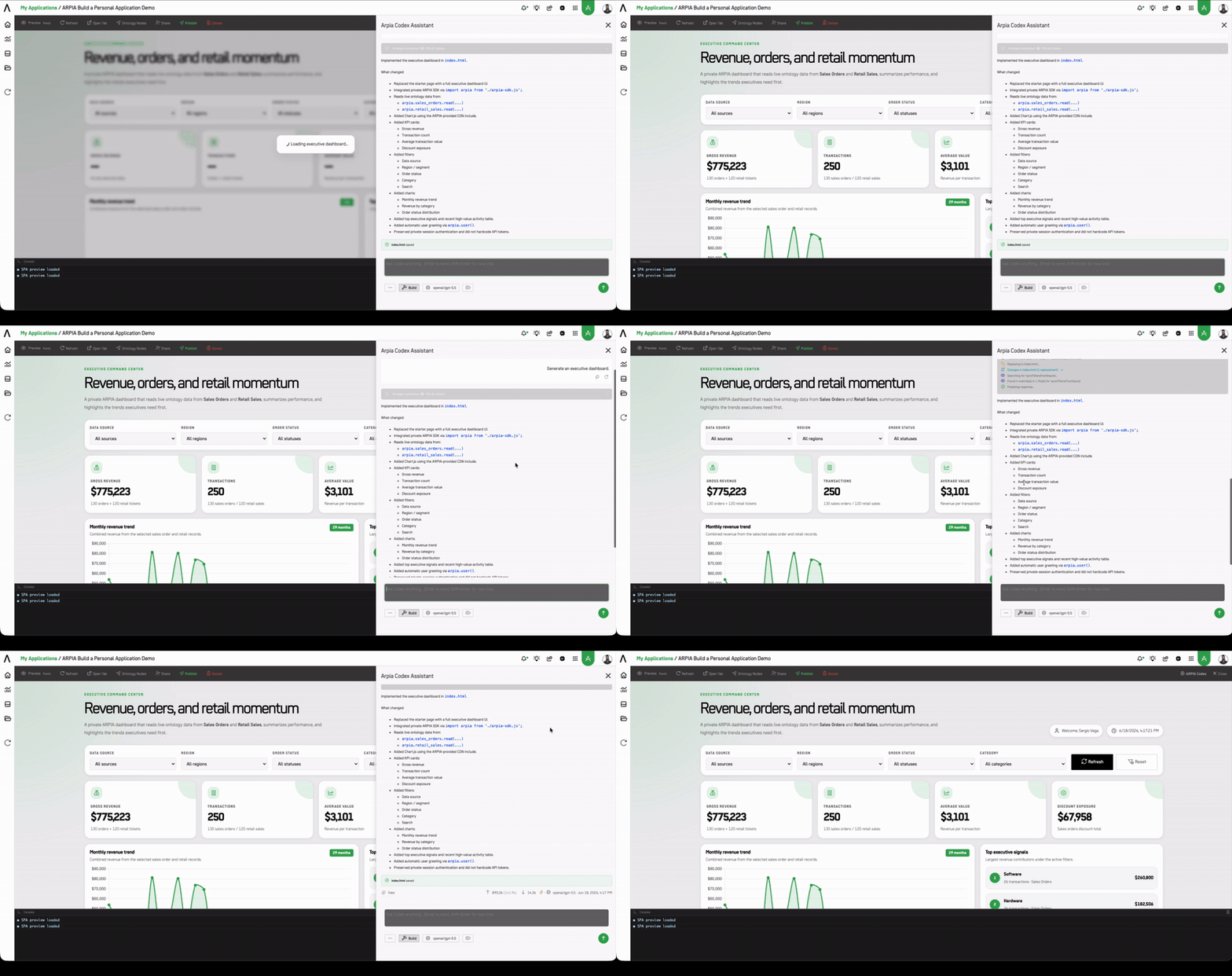
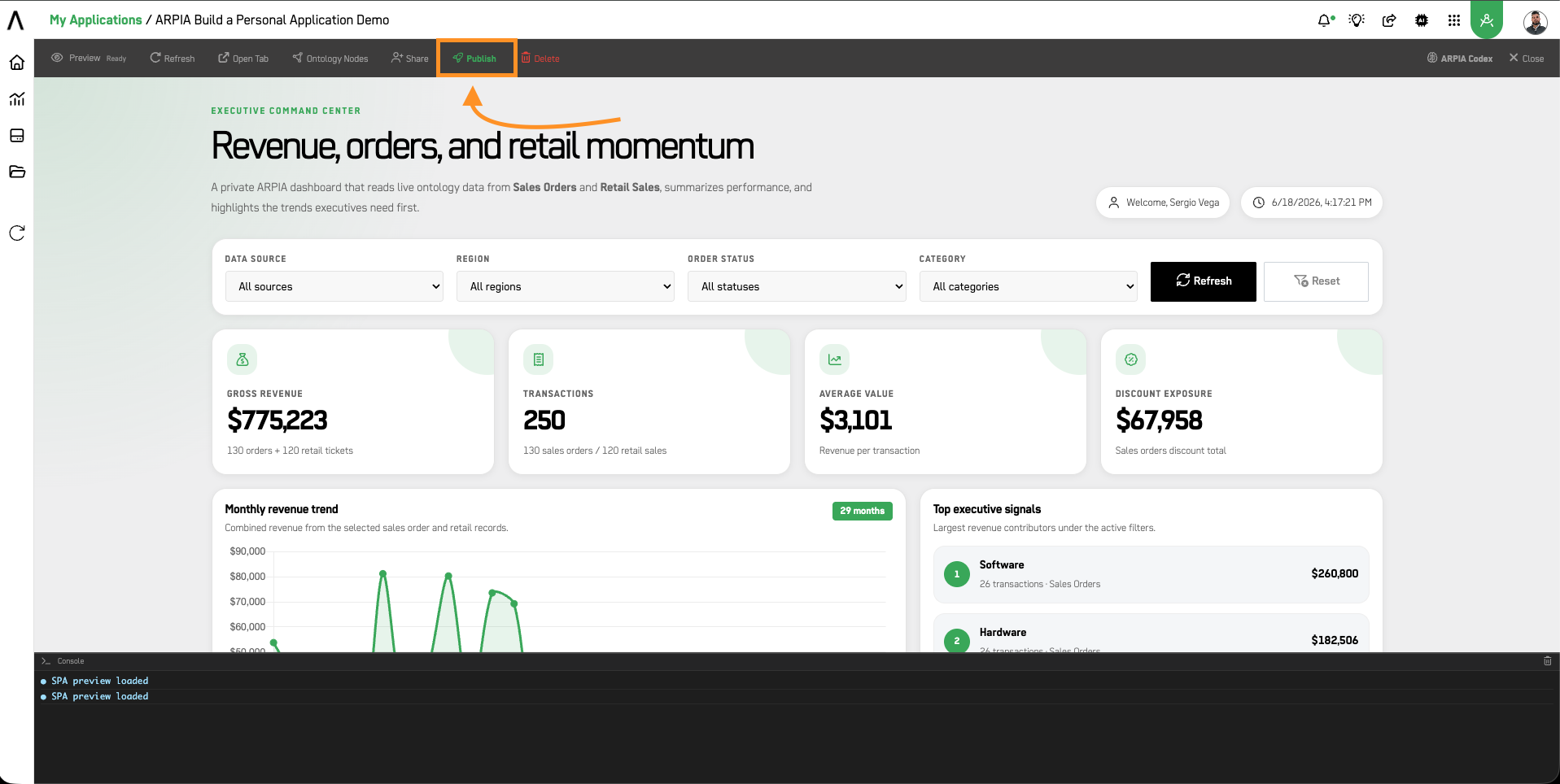
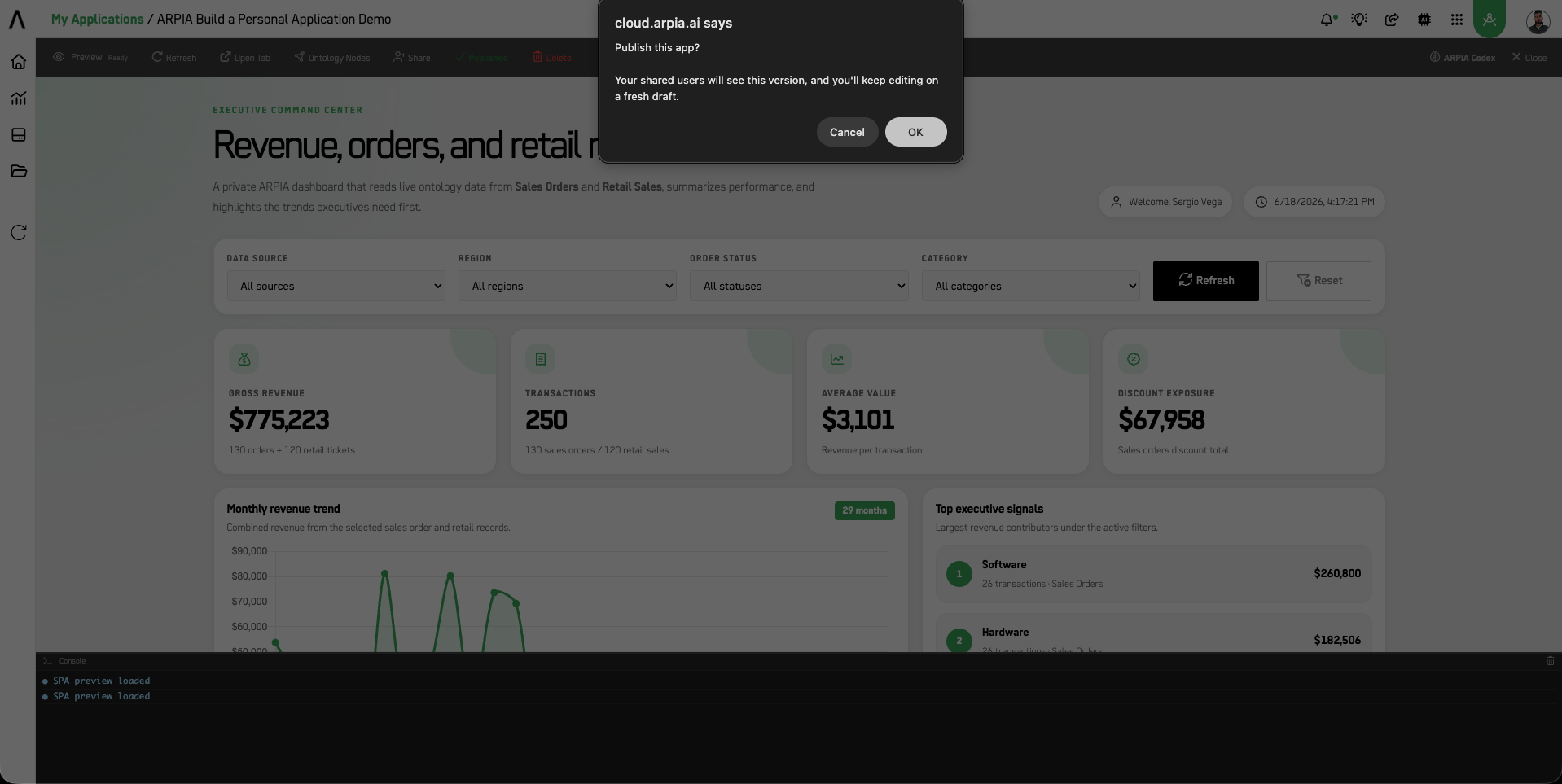
4. Publish & Share. When it's ready, press Publish, then Share it with your team.

Not sure where to start? Try telling Codex:
- "Show my open sales orders as a sortable, searchable table."
- "Build a dashboard: total revenue this month as a big number, plus a bar chart by region."
- "Add a form to log a new customer visit and save it with my Create Visit action."
- "Build a case management app using my Cases node. Show open cases by owner, priority, and status."
- "Add a case status update form using my approved Update Case Status action."
- "Create an invoice follow-up dashboard using the Invoice node and only the actions available to my profile."
Working With Codex
The assistant in the panel is Arpia Codex — SPA Studio. It runs in Build mode — changes apply immediately and update the live preview as Codex works.
Input bar controls
The Codex input bar gives you several tools to guide the build:
| Control | What it does |
|---|---|
··· | Additional options menu |
| Build | Active mode — Codex applies changes and updates the preview live |
| Model selector | Choose which AI model powers the session (e.g. openai/gpt-5.5) |
| 📎 Attach file | Upload a file for Codex to read and use as context |
| 📷 Image | Attach a screenshot or image — Codex can see and interpret it |
⊠ | Clear / reset the current context |
Focus Scope
The 📎 attach button opens a Focus Scope selector before attaching:
- All Files (default) — Codex has access to everything in the current app context.
- Current File — Codex focuses only on the file currently open.
Attaching images
You can share a screenshot directly with Codex — useful for showing a design reference, an existing layout you want to replicate, or a bug you want fixed. Codex will describe what it sees and use it to inform the build.
Full Codex reference: see Arpia Codex in SPA Studio.
Managing Your App
From the top bar:
- Preview — use your app live as you build.
- Refresh — reload the preview.
- Open Tab — open the app in its own browser tab.
- Share — give your team access (each person sees only their own data).
- Publish — make the current version live.
- Delete — remove the app.
Access & Sharing
Your Personal Application respects ARPIA's permissions end to end:
- You build only from your nodes and actions.
- Each viewer you share with sees the app through their own access — never yours.
Building in a Workarea as a developer instead? See Single-Page Apps (SPA) for the full in-platform and ZIP-upload workflow.
Updated 3 months ago