
How to use the Query Tool
Step-by-Step Guide
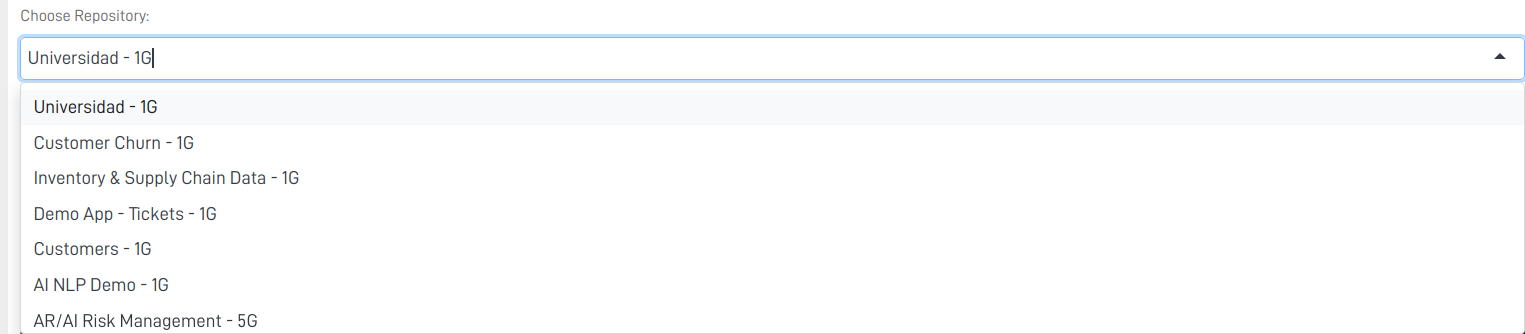
Step 1: Select a Repository
Choose the repository where you want to run your query:
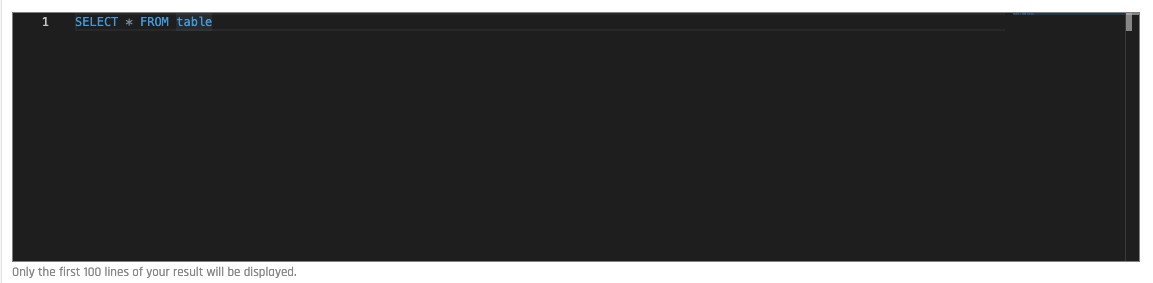
Step 2: SQL Section
Place the SQL code you want to execute in this section:
Step 3: Execute your SQL query
To execute your code, press the Run button:

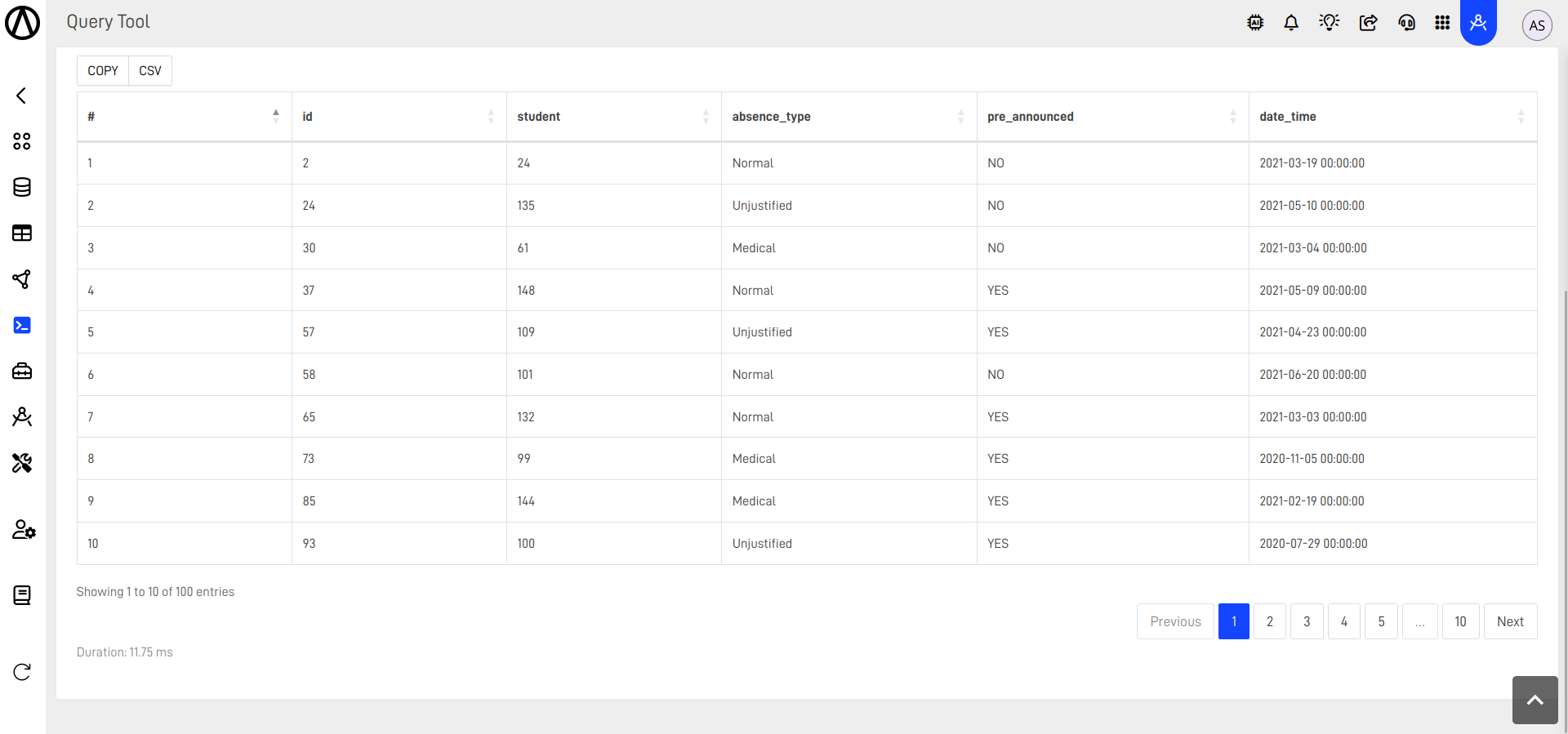
Step 4: Check the Results
The results section will show the first 100 lines of the query result, displayed in a tabular format:
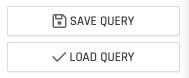
Step 5: Optionally Save and Load
You can save your queries and load them at any time:
For more information on the Query Tool features, you can check the documentation on the "WHAT'S NEXT section down below.
Updated 19 days ago
What’s Next
Did this page help you?